

- website (ex: staging.mysite.com)
- email domain (@mytestsite.com).
- Go to Account Settings page.
- In the Excluded Domains section, add a single domain and click Add.
- Repeat for all staging/test domains you use. If you need to exclude an email address or email address domain, you can also add that here.
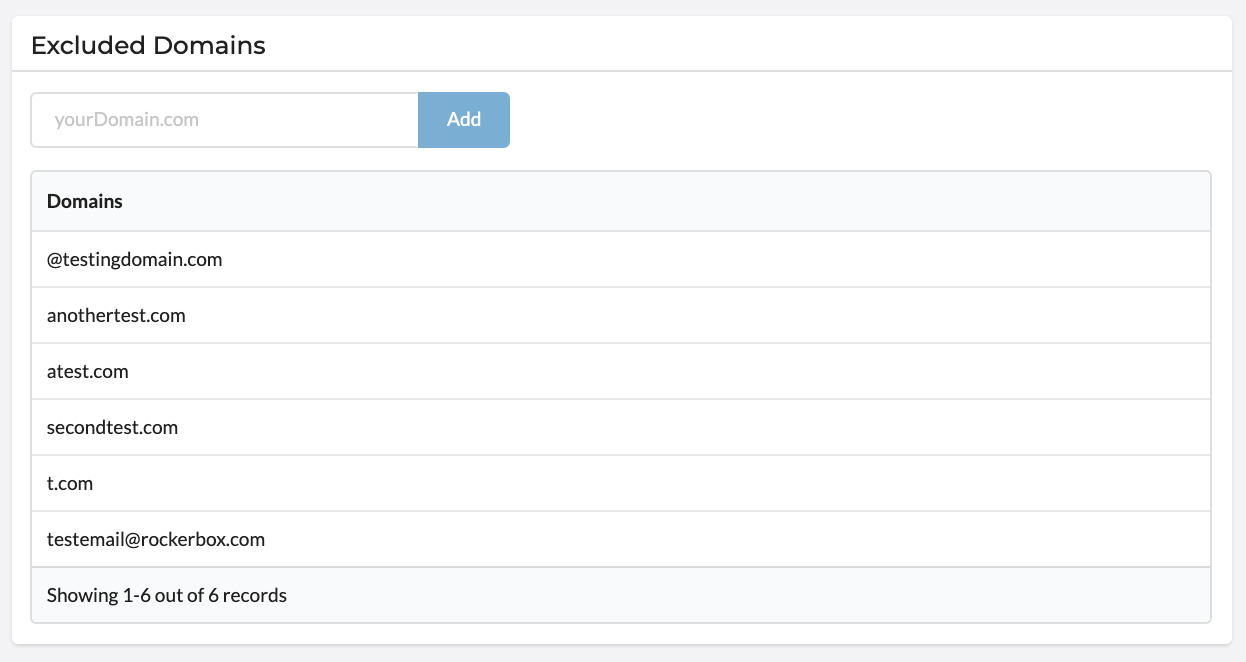
Identity Resolution and Excluded Domains
Excluding the domain will remove conversions on the dev site, but the ID resolution links will remain.
If admin users are logging onto the production site to make/edit orders for customers and the RB pixel is firing, this will cause issues with path-to-conversion.
In this case, the pixel should be configured to not fire for admin users.