- Navigate to your Google Workspace Admin dashboard.
- In the top search bar, search for “API Controls” and select the option nested under “Security.”
- Click “MANAGE THIRD-PARTY APP ACCESS” on the right side of the page.
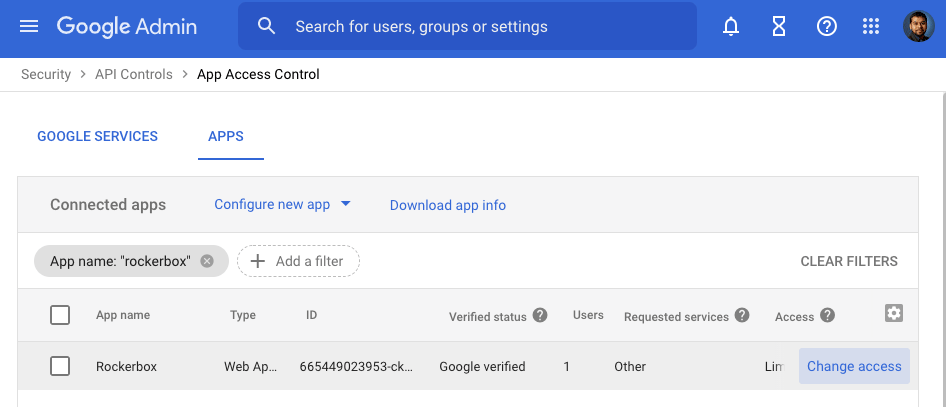
- Search for ID matching “1006377022801-ect994tcaqg2n8bjk8d3jr9vmg7amviq.apps.googleusercontent.com”
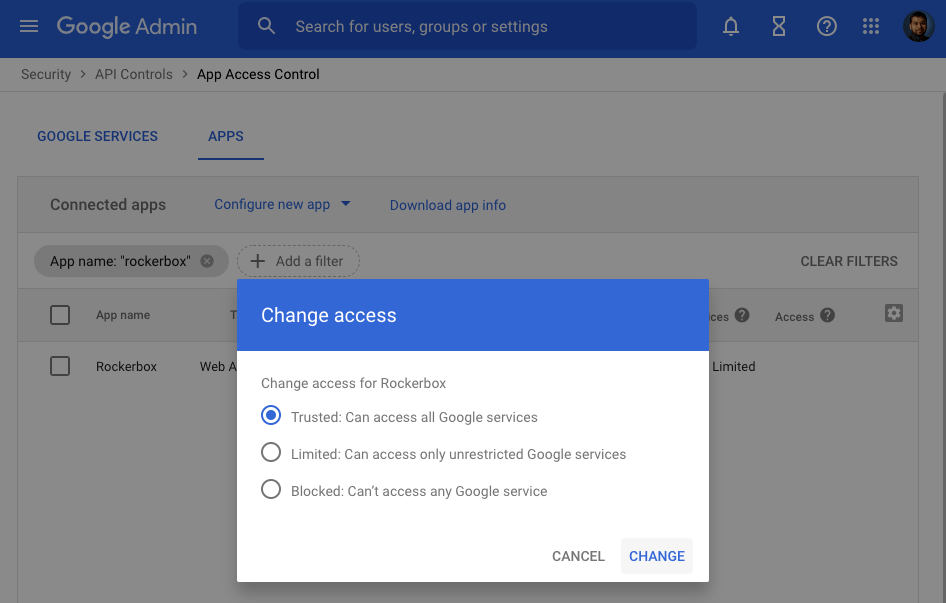
- Click “Change Access”
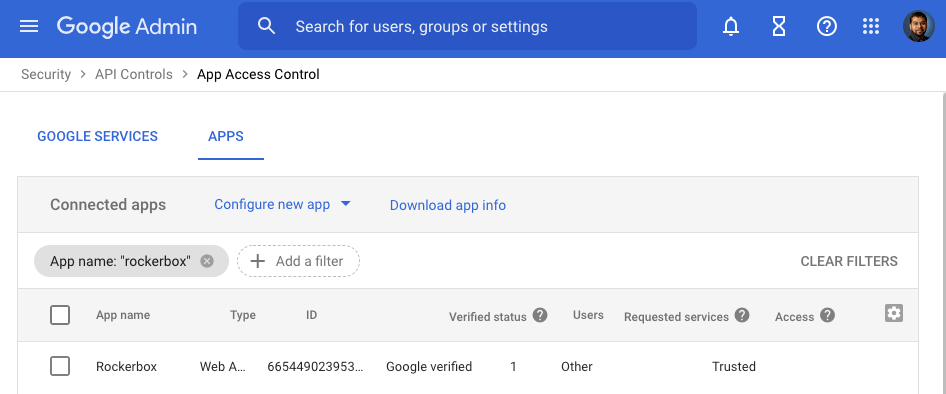
- Select “Trusted” and submit